PLAN • PRESENT • ENGAGE • RESPOND
Official ClassPlaybook website · also searched as “Class Playbook”
All your teaching tools.
One Playbook.
Plan lessons, present activities, manage your classroom, and keep students engaged—all from one professional workspace.
- 45+ classroom tools
- Built for any screen
- Your data stays private
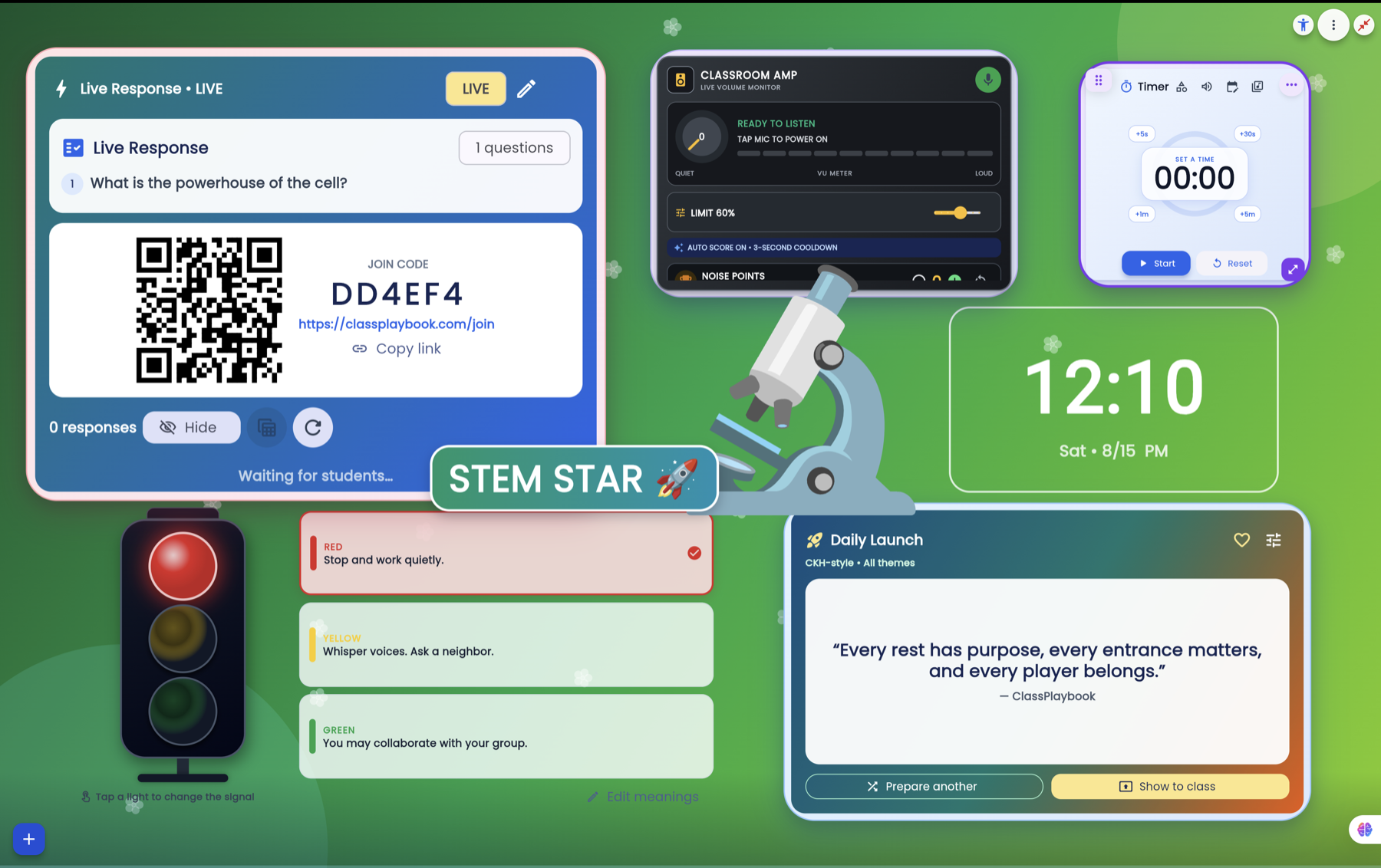
A real ClassPlaybook classroom workspace
One workspace from first bell to last.
Choose a moment and see how ClassPlaybook keeps the real work of teaching connected throughout the day.
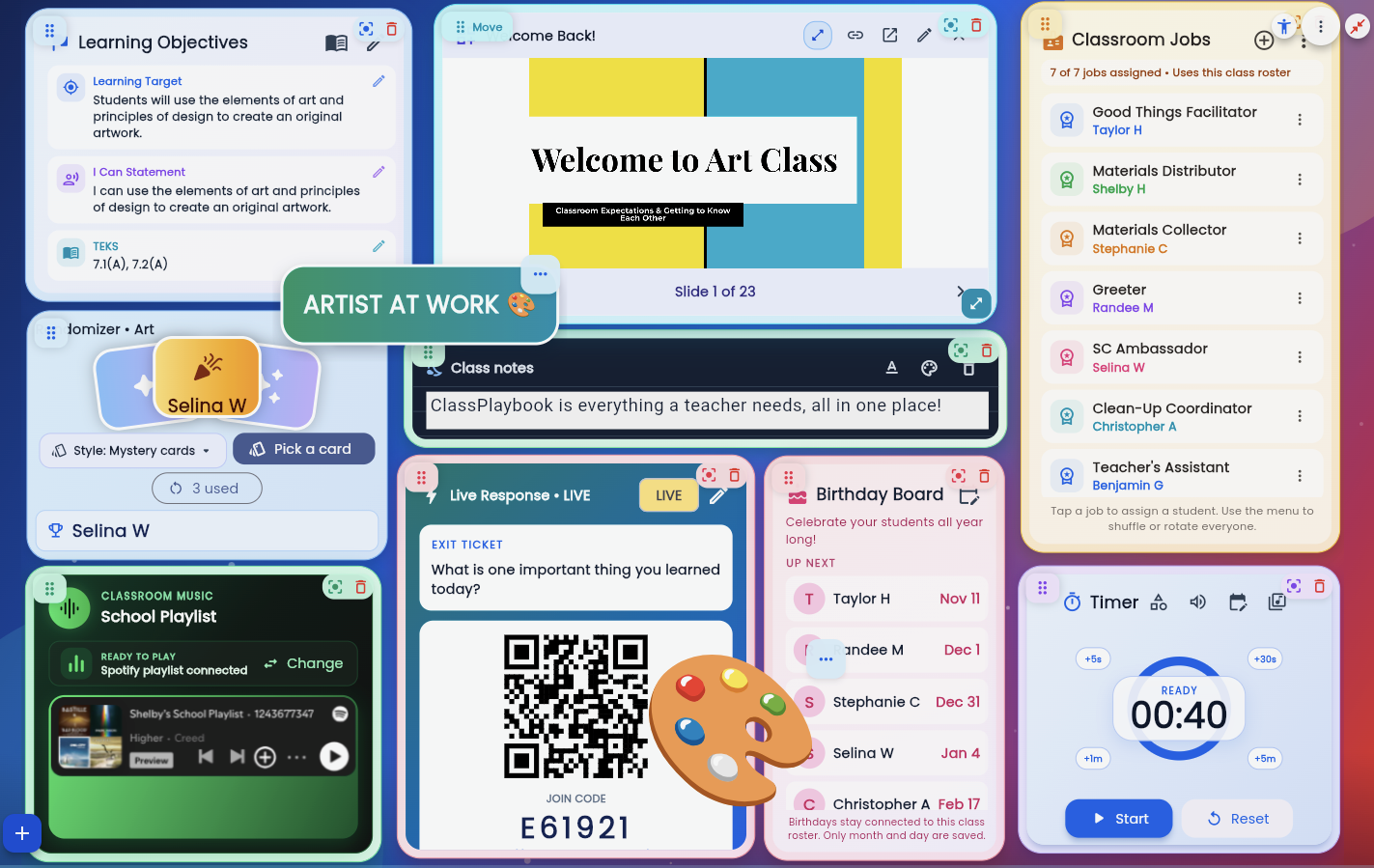 ✓ REAL CLASSPLAYBOOK SCREEN
Keep slides, Canva, PDFs, video, timers, and classroom tools in one live view.
Made by teachers who know what a school day actually feels like.
We’re Taylor and Shelby Hallman. We built ClassPlaybook because we wanted fewer disconnected tools, less repeated setup, and one dependable place to run the classroom.

ClassPlaybook—the Class Playbook for teachers
ClassPlaybook is an educational technology platform for teachers, schools, and districts. The official Class Playbook website is classplaybook.com. Educators can organize classroom widgets, prepare lesson content, display classroom expectations, create activities, collect responses, review instructional data, manage groups, and maintain class-specific workspaces. ClassPlaybook supports web browsers and presentation displays, with mobile teacher controls for supported tools. Students do not receive a general ClassPlaybook workspace; they can only join short-lived teacher-launched Live Response, voting, or Draw & Guess sessions using a room code or link.