↔
Move and resize tools
Arrange timers, agendas, learning objectives, classroom jobs, clocks, media, whiteboards, and other tools around the way you teach.
Place the tools your students need on one visual workspace, then save the layout for that class.
This example shows actual ClassPlaybook tools working together on a science classroom display.
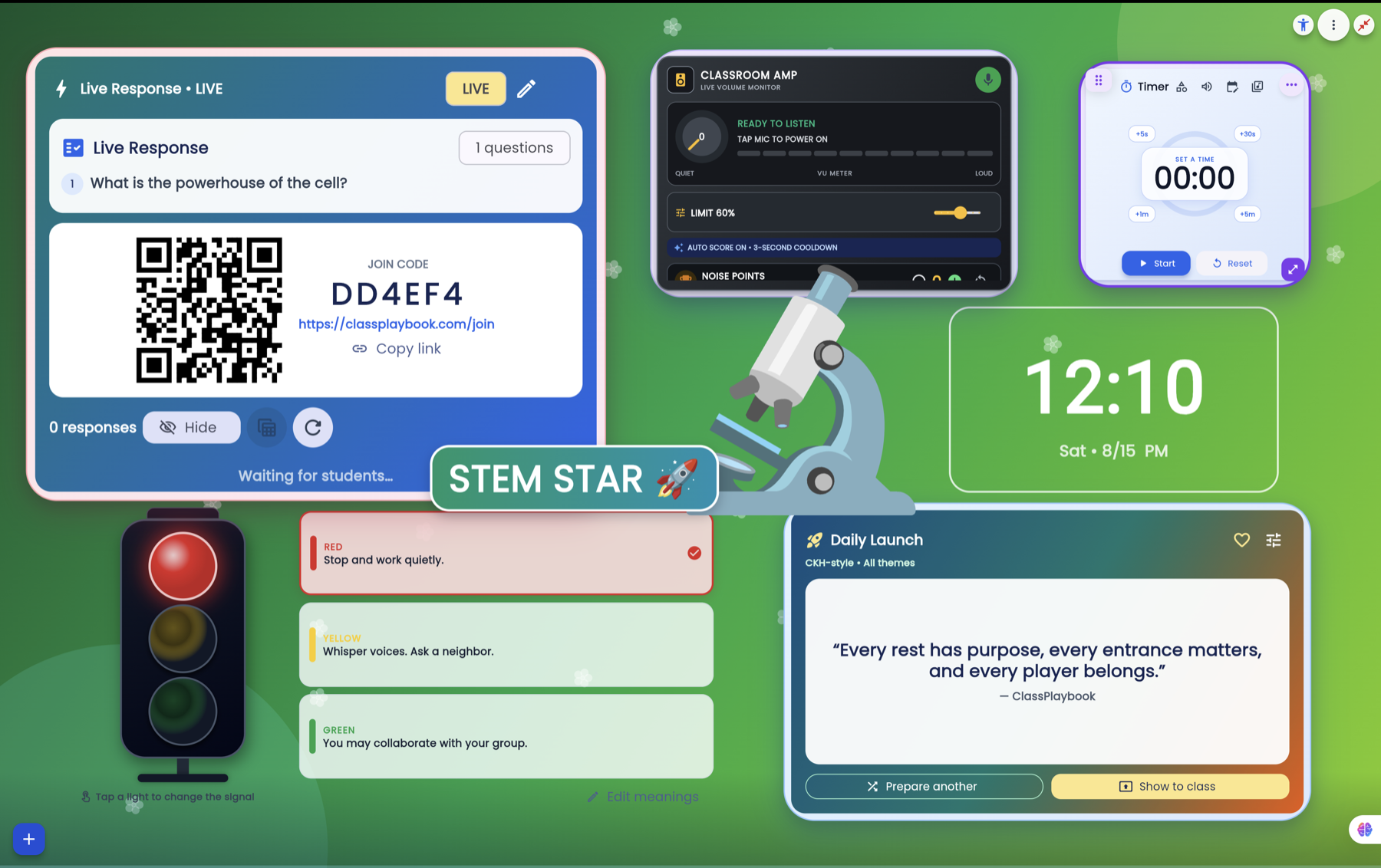
Arrange timers, agendas, learning objectives, classroom jobs, clocks, media, whiteboards, and other tools around the way you teach.
Use presentation mode for the classroom display while keeping supported controls available to the teacher.
Keep class-specific layouts and content so the screen is ready when that period begins.
Start with the tools you need and continue shaping the screen over time.
Create your ClassPlaybook account →Teacher Remote · Lesson Planner · Live Response · Seating Chart